
Checklist
Start with photographs that show the full label, not just the brand and series. Keep every suffix, revision and option code visible. If the label is damaged, include several angles and explain which characters cannot be read confidently.
| Equipment | Useful information |
|---|---|
| Motor | Complete model, serial where relevant, winding, speed, feedback and brake |
| Drive | Full model and option code, input supply, firmware and fitted modules |
| Gearbox or actuator | Code, ratio or lead, stroke, mounting arrangement and accessories |
| Controller | Hardware, network and software version |
| Machine | Builder, function, fault history and required operating duty |
Do not remove guards, open equipment or access live terminals merely to obtain an enquiry photograph. Ask the person responsible for the machine to collect information using its normal safe access procedures.
Preserve the configuration
A parameter backup, wiring diagram and existing bill of materials can clarify details that are absent from the label. Have the responsible engineer preserve these before equipment is removed or reset. Record which cable belongs to which connection and whether special adapters are fitted.
A fault message is useful context but is not proof that the named component has failed. Include when the problem occurs: power-up, enabling, acceleration, steady running or stopping. Note recent mechanical, software or wiring changes without assuming that they caused the fault.
Record the interfaces that must stay
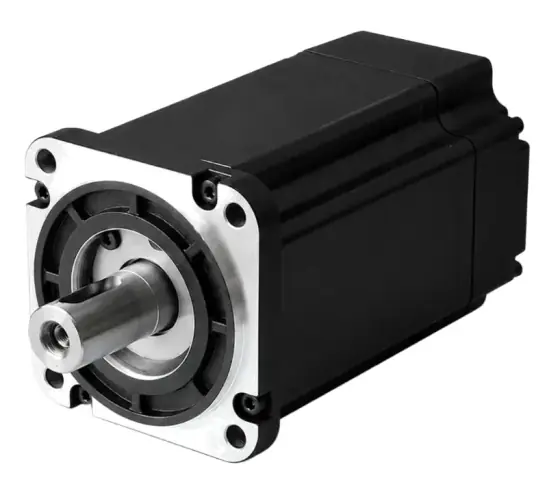
A replacement motor may need the same flange and shaft, while a replacement drive may need to support the existing feedback and controller. Mark these as fixed requirements. If there is room to change the whole motor-drive package, explain the permitted redesign and downtime.
For mechanical parts, a sketch showing key mounting dimensions is often more useful than an isolated product photograph. For controlled axes, add speed, torque or force, travel, cycle rate and holding requirements where known.
Make the buying requirement explicit
State quantity, required date and whether only a new original part is acceptable. If another condition or a different manufacturer can be considered, ask for it to be identified explicitly. A supply offer should state condition, warranty, delivery assumptions and the exact configuration.
Use the obsolete replacement service or replacement form to start. Send the essential codes first and reply to the confirmation email with photographs, drawings or backups. This checklist supports a review; it is not a diagnosis or an assurance that a replacement is available.
Sources
- ADVANCED Motion Controls: third-party compatibility
- Motion Control Products: products and configurable motion packages
Figures are summarised from the sources above and from manufacturers' published data on the date shown. Always confirm against the current datasheet for your exact part.